

Description
Product Overview
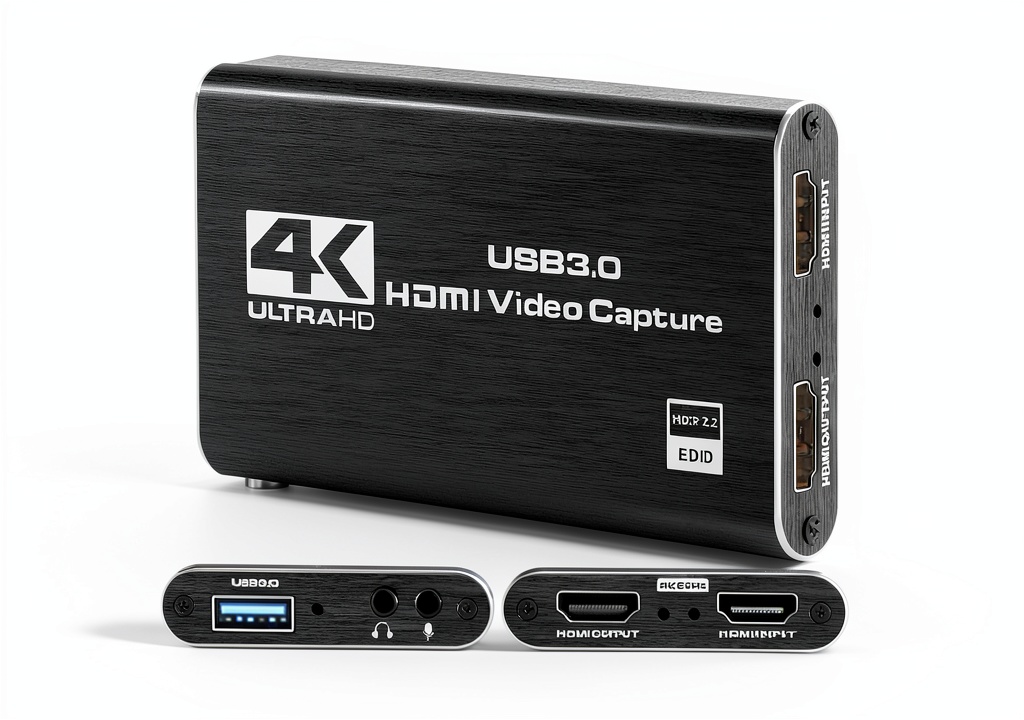
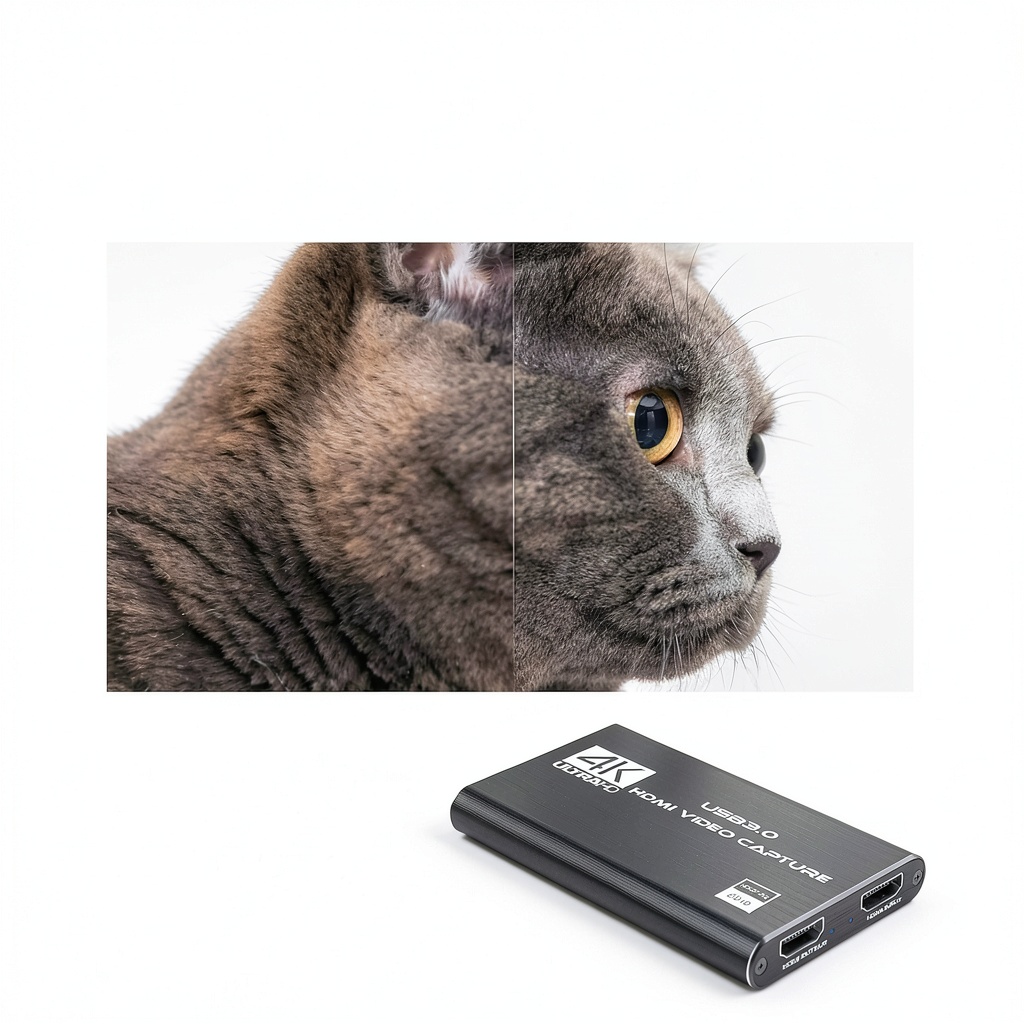
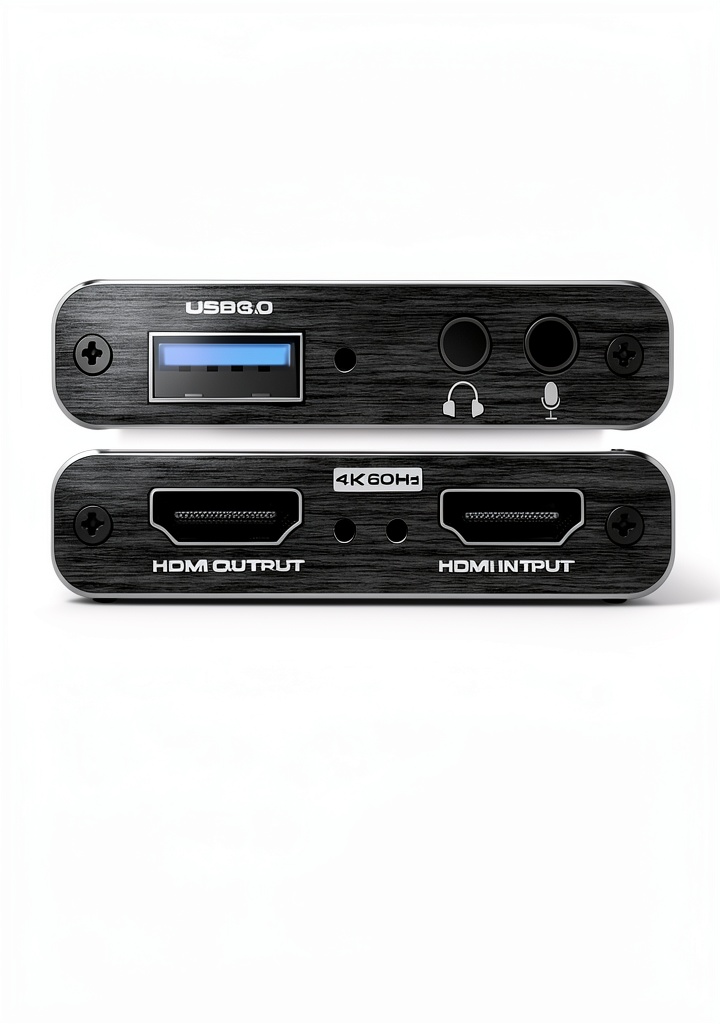
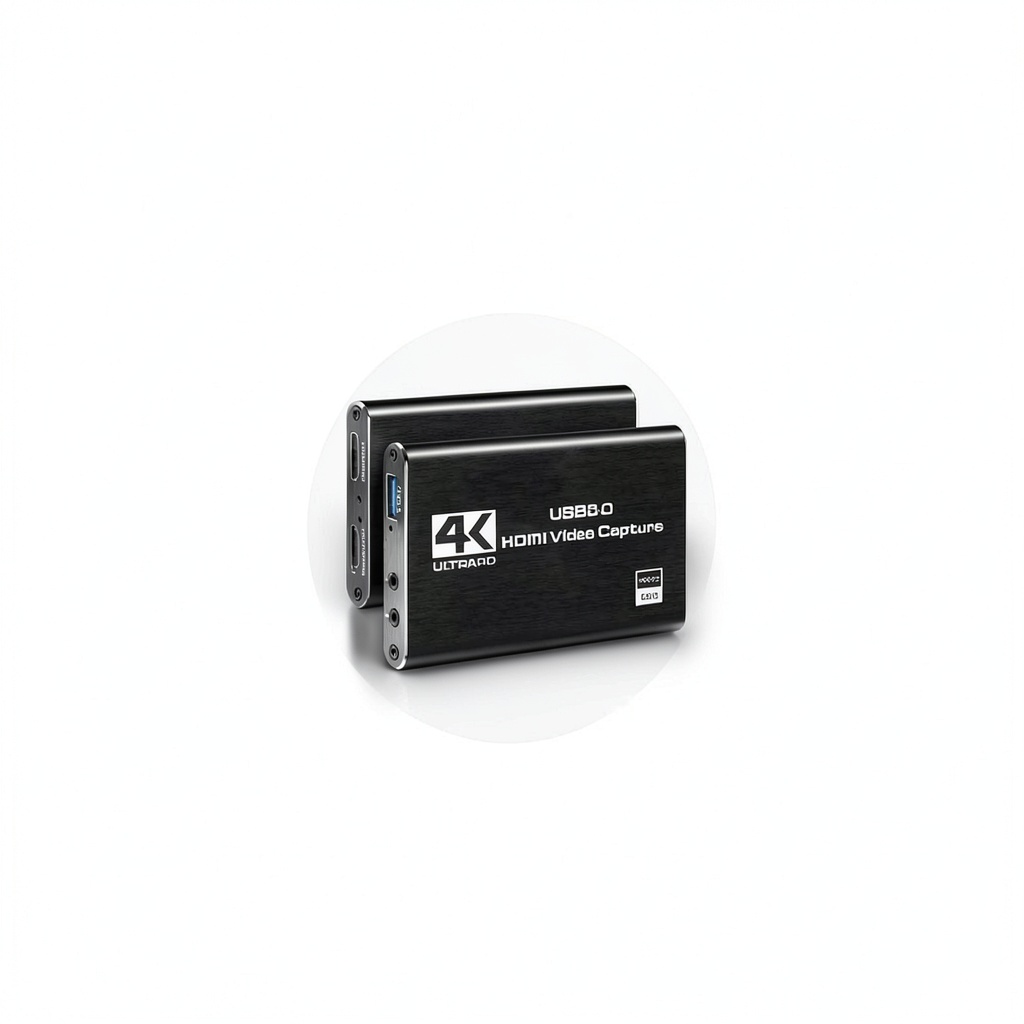
The Rybozen V316B-FR HDMI Capture Card is engineered for creators who demand high‑definition video input without compromising system resources. Housed in a compact black metal shell measuring just 3 × 2 × 1 inches and weighing only 6.4 oz, it connects via USB 3.0 for rapid data transfer and minimal latency. Capture up to 1080p resolution from any HDMI source—gaming consoles, DSLR cameras, security cams, or set‑top boxes—while the built‑in loop‑out lets you view the source signal on a separate monitor in real time. The device is fully compatible with Windows and macOS, and its plug‑and‑play nature eliminates the need for drivers or external power supplies.
Usage
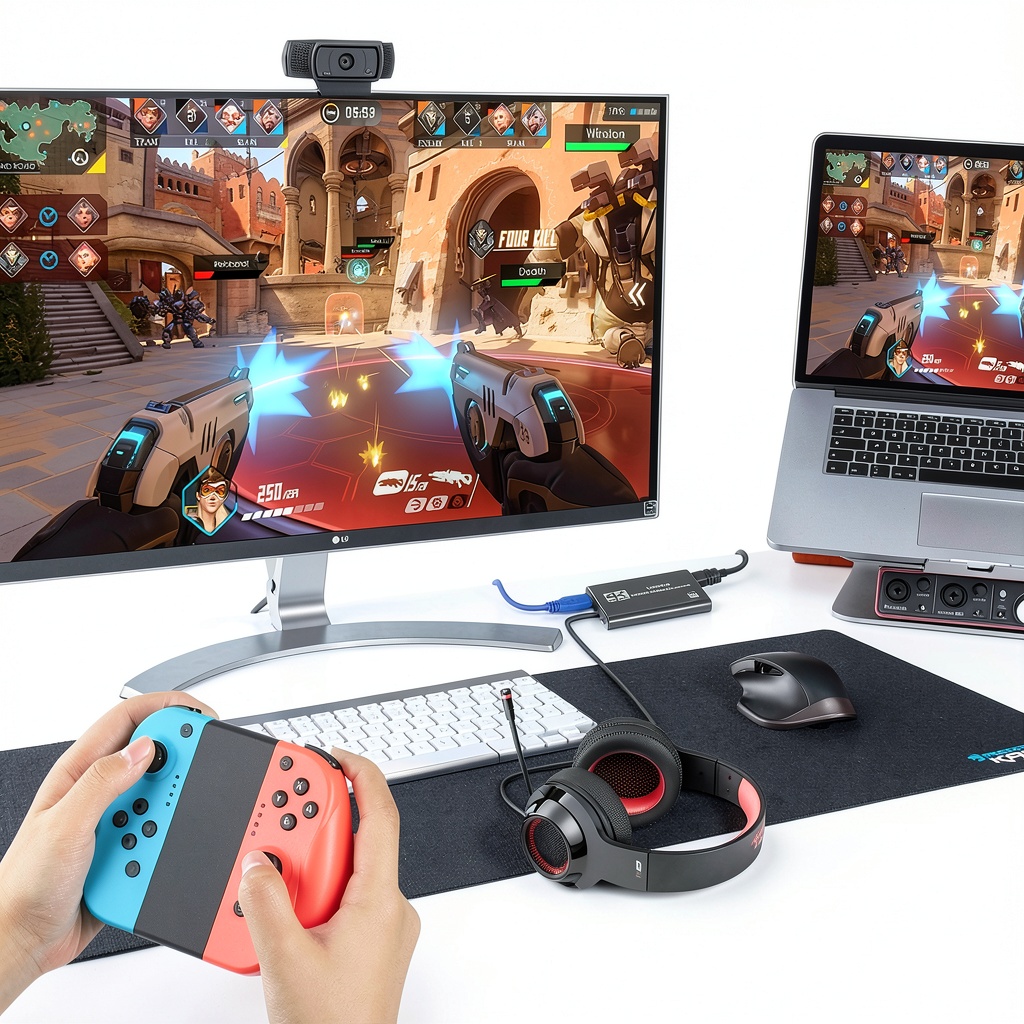
Designed for streamers, educators, and video editors, this capture card fits seamlessly into home studios, gaming setups, and professional production environments. Use it to broadcast live gameplay on Twitch, record tutorial videos for YouTube, or digitize legacy DVD content. The microphone input supports a standard 3.5 mm TRS headset, allowing you to add commentary without extra equipment. 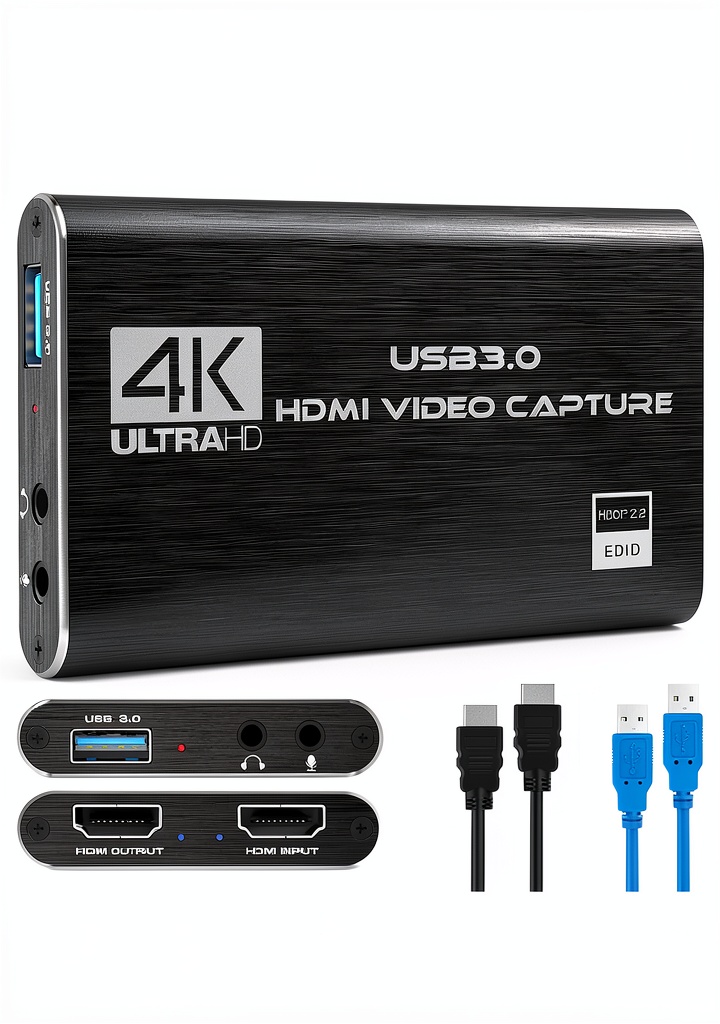
Why Choose Us
Rybozen combines rigorous quality control with cutting‑edge USB 3.0 technology to deliver a reliable capture solution. Each unit undergoes thermal testing to ensure stable operation during extended recording sessions. The black anodized chassis not only looks professional but also dissipates heat efficiently. With a 4.3‑star rating from over 1,600 customers, the card has proven its durability and performance in real‑world applications.
Key Features
- 1080p Full HD capture for crystal‑clear video from any HDMI source
- USB 3.0 plug‑and‑play design—no drivers or external power needed
- Low‑latency loop‑out lets you monitor the source signal live
- Built‑in 3.5 mm microphone input for real‑time commentary
- Cross‑platform support for Windows and macOS operating systems
FAQ
Does this capture card work with PlayStation 5?
Yes, the Rybozen HDMI Capture Card supports HDMI output from PS5, delivering smooth 1080p capture with minimal latency.
Is an external power adapter required?
No external power is needed; the card draws all required power directly from the USB 3.0 port.
Can I use this card on a MacBook with USB‑C?
Yes, simply connect the card using a USB‑C to USB‑A adapter or a compatible USB‑C hub that supports USB 3.0 data rates.
What audio formats are supported through the mic‑in?
The 3.5 mm mic input accepts standard TRS microphones and headsets, capturing mono audio suitable for commentary and voice‑overs.
Is there any software bundled with the device?
The card is driver‑free and works with popular capture software such as OBS Studio, XSplit, and Streamlabs OBS out of the box.






 Greek Travel Guide My Complete Golfer eBook
  Kindle eBook English Travel Adventure Short Read 24 Pages
Reviews
There are no reviews yet.